Alcuni titoli e descrizioni sono tradotti automaticamente. Puoi cercare anche i nomi originali.
Informazioni sul gioco
Tocco tinta è un gioco di colorazione tranquillo.
Come giocare
Le istruzioni del fornitore indicano questi input: Mouse / clic. Consulta la guida nel gioco per la funzione di ciascuno.
Comandi e input
- Mouse / clic
Dispositivi e lingue
Tocco tinta supporta Computer · Dispositivo mobile. Orientamento: Verticale o orizzontale. Il fornitore indica 14 lingue nel gioco.
- Lingue del gioco
- tedesco · inglese · spagnolo · francese · indonesiano · italiano · giapponese · coreano · polacco · portoghese · russo · turco · vietnamita · cinese
Qui trovi tutti i giochi. La lingua supportata è indicata su ogni scheda.
Le informazioni e i nomi degli input provengono dal catalogo Playgama. I dati del fornitore sono distinti dalle guide scritte da noi.
Una guida completa in questa lingua non è ancora disponibile. Qui sotto trovi le informazioni originali del fornitore.
Descrizione e comandi originali del fornitore
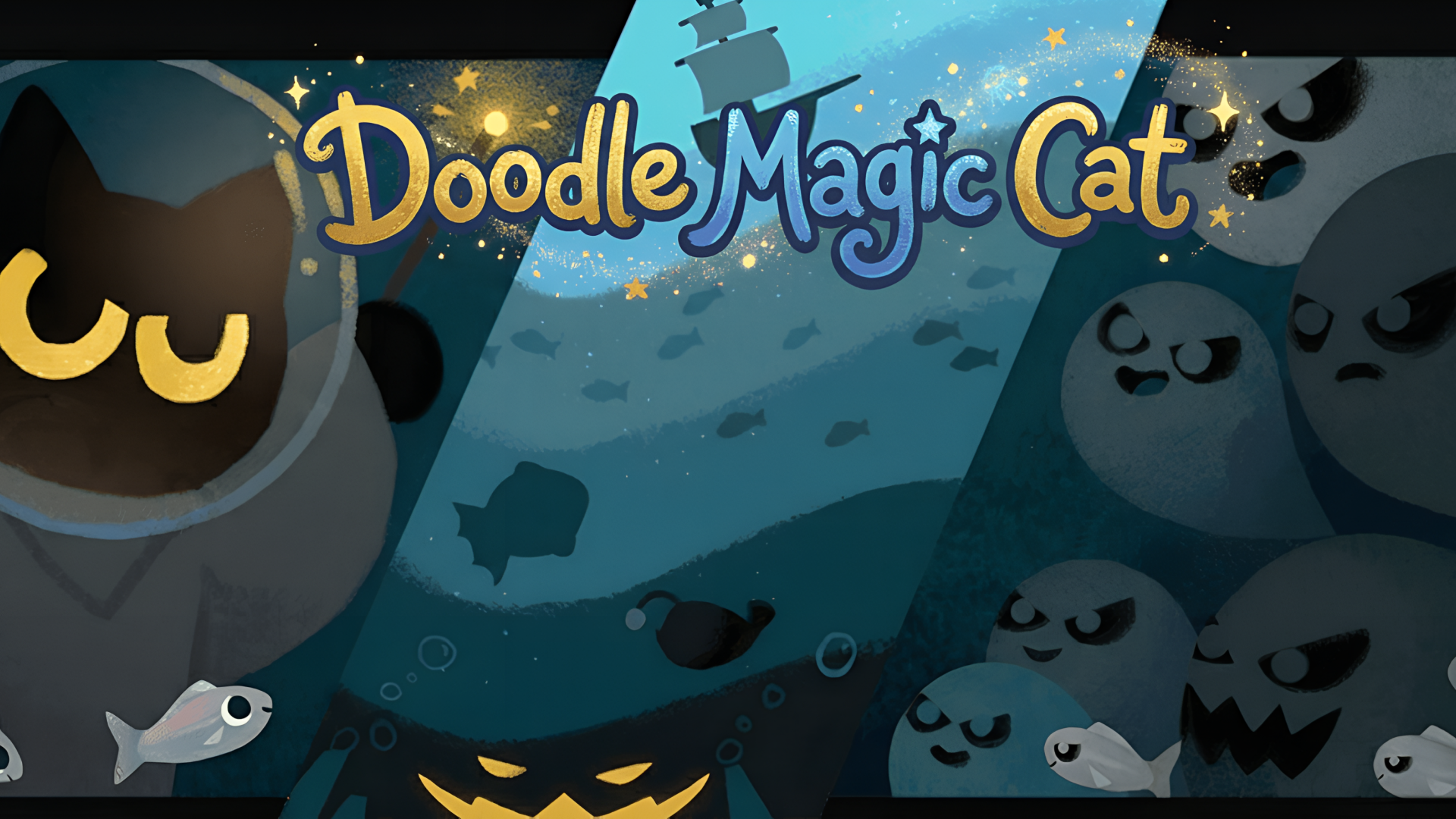
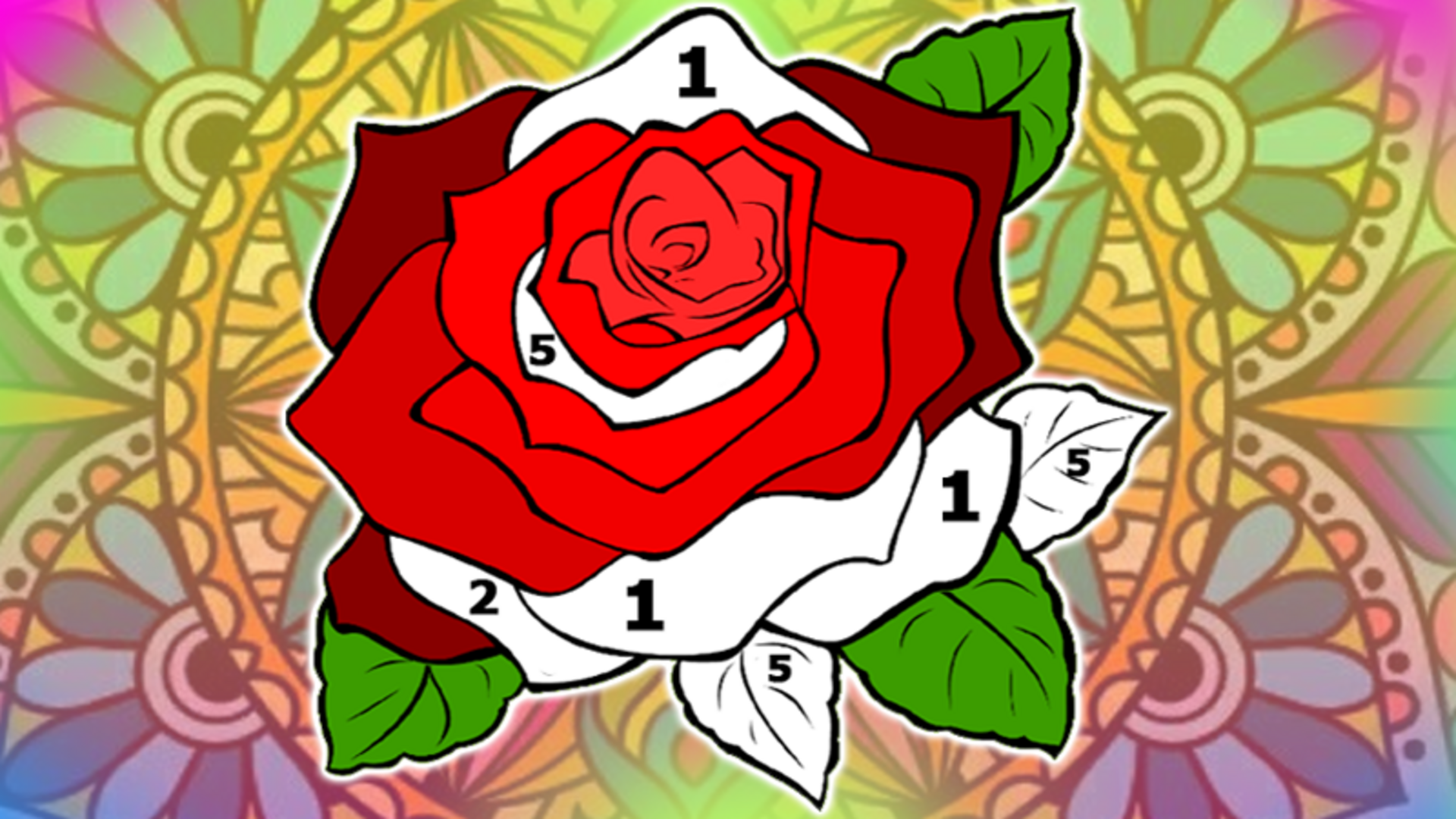
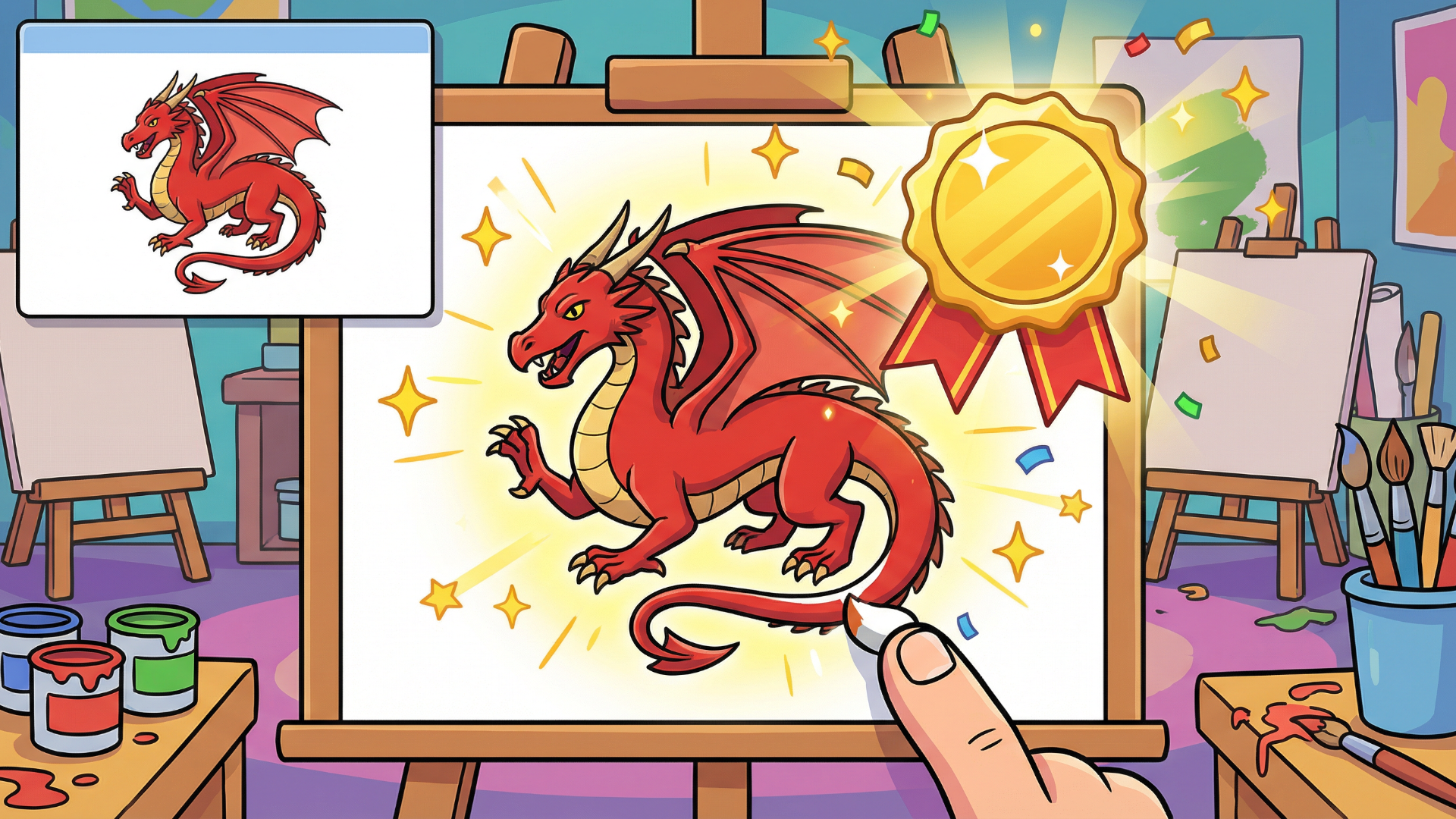
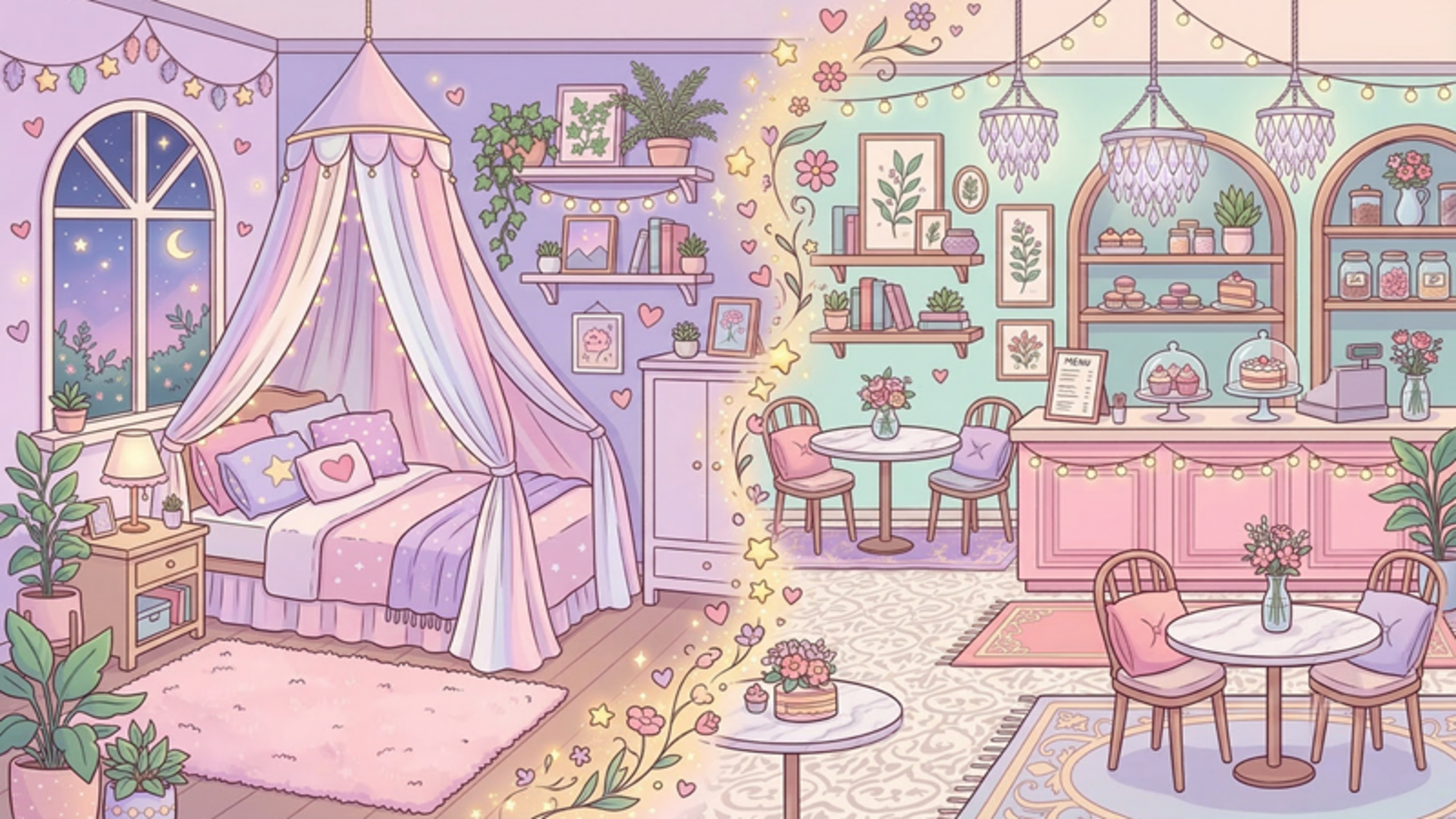
Tint Tap is a calm colouring game. Pick up the marker and bring 90 sticker-style pictures to life, one colour at a time: the part to paint glows softly, you drag across it, and the colour appears under your pen. Paint enough and the rest fills in by itself with a satisfying sweep, and a cheerful word cheers you on. Every few pictures you first draw the outline yourself, following a dotted line. There is no timer, no score and no way to go outside the lines, just relaxing colouring. Paint any picture you like from eleven themed albums, including dinosaurs, fairy tales, vehicles, the ocean and Halloween, and unlock the pencil and the spray can as you go.
Drag your finger or mouse over the glowing part to paint it with the current colour. When a colour is done, the next one lights up; finish every colour to complete the picture. On some pictures you first draw the outline: drag along the dotted line from the dot to the X. Stuck on a tiny spot? Tap Hint to see where paint is still missing. Open the Album to choose any picture, use the pen button to switch between the marker, pencil and spray can, and Pause for music and sound.