Some game titles and descriptions are machine translated. Original names remain searchable.
About this game
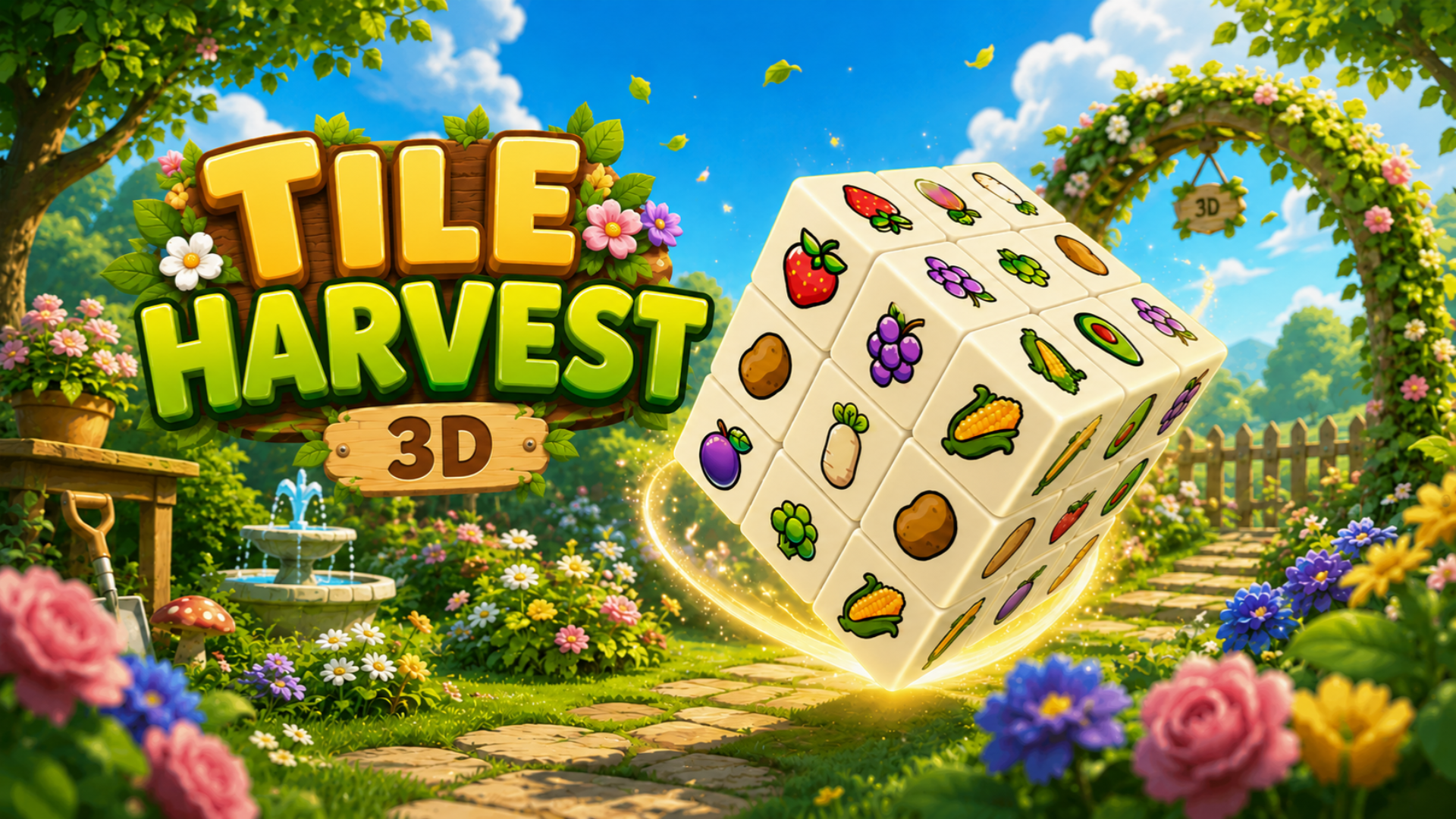
Tile Harvest 3D is a 3D tile-matching puzzle game with a satisfying merge twist. Clear a towering stack of colorful 3D tiles by collecting matching sets and chaining them into powerful merges. With unlimited levels, escalating challenge, and a set of special boosters to save you in a pinch, every puzzle is a fresh brain-teaser.
How to play
Your goal: Clear every tile from the 3D board to win the level.
1. Pick matching tiles
Tap any accessible tile on the 3D stack. When you tap 3 tiles of the same type, they are collected and sent to your Factory Belt — a row of slots at the bottom of the screen.
2. Watch your Factory Belt
The Factory Belt holds the tiles you've collected. When 3 identical items sit in the belt at the same time they automatically merge into a brand-new, higher-tier item — clearing those slots and making room for more.
3. Rotate & zoom the board
The tiles are stacked in 3D. Swipe to rotate the board and expose hidden tiles underneath. Pinch to zoom in or out. Uncovering the right tiles at the right time is the key to a clean chain of merges.
4. Don't run out of space
If your Factory Belt fills up with tiles that can't merge, you're stuck — and the level is lost. Think ahead, plan your picks, and keep the belt flowing.
5. Use boosters wisely
Four boosters help you out of tight spots:
🔄 Throwback — Send the last tile in the belt back to the board.
🌀 Whirlwind — Shuffle the tiles on the board for a fresh look.
🔍 Magnifier — Highlights a set of 3 matching tiles for you.
🔨 Hammer — Smash and remove a single tile from the board.
Controls and input
- Touch input
Gameplay elements
These elements are mentioned in the provider’s gameplay instructions. Check the game for the complete rules.
- Matching
- Merging
Devices and languages
Tile Harvest 3D supports Desktop · Mobile. Screen layout: Portrait or landscape. The provider lists 1 in-game languages.
- In-game languages
- English
Browse every game here. The language on each card is a supported in-game language.
Game facts and input labels come from Playgama’s catalog. They describe provider information and are separate from our authored guides.